

Free
$0
- 1 active printing schedule
- Default maintenance PDF
- Preset interval
Inkjet maintenance for Windows
Printer Nanny sends unattended scheduled print jobs to your printers to help keep ink flowing
Tested on Windows 11 x64
Confirm your email, then sign in from the Windows app.
Forgot password?Sign in with your Printer Nanny email and password. This is a Stripe test checkout for enrolled accounts.
Back to plansOnce Stripe confirms your payment, Printer Nanny will show your new plan the next time it connects.
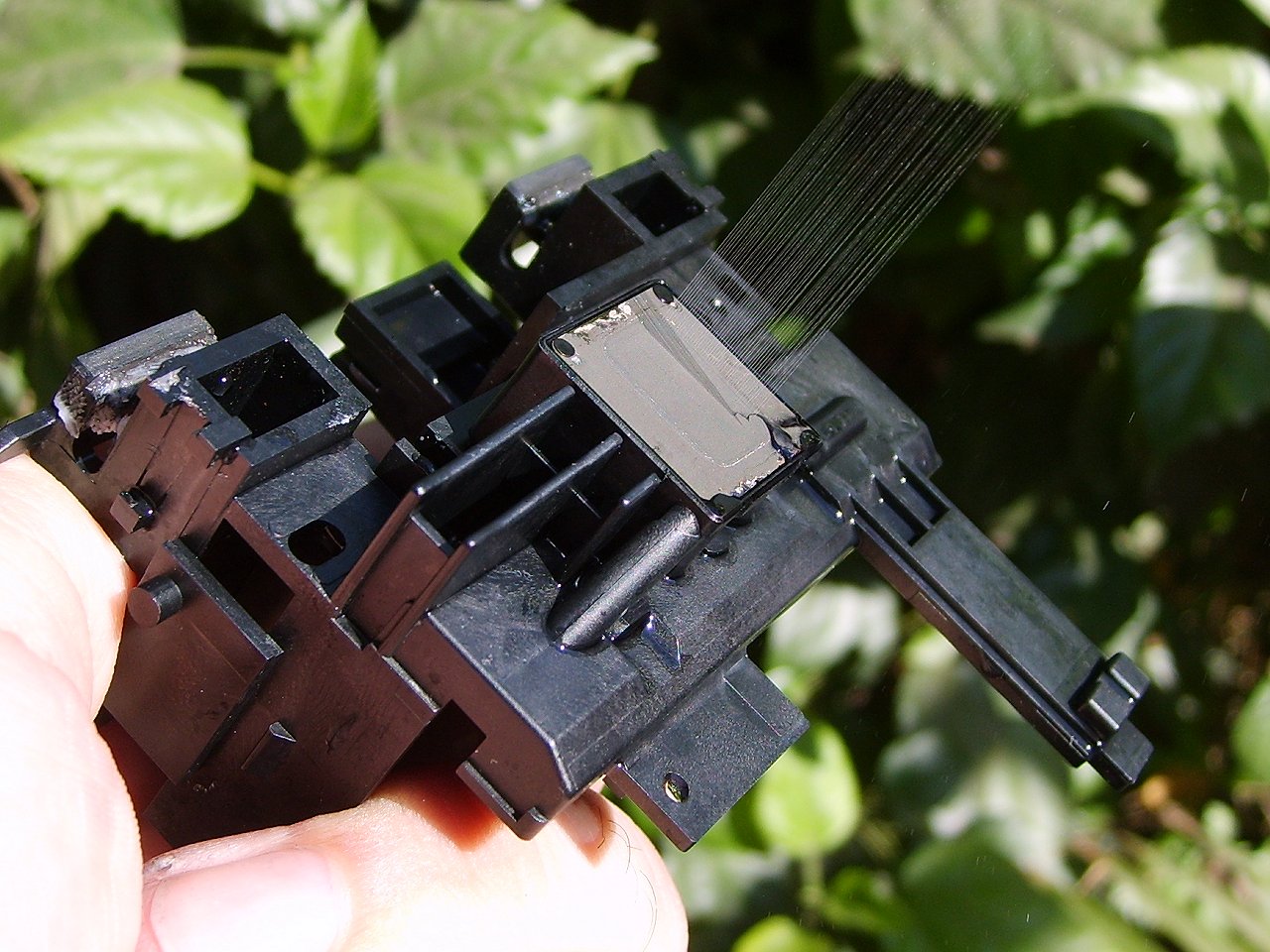
You go to print something you need right now and the first page comes out streaky or missing a color. While your printer sat idle, ink may have dried in its nozzles. Now you’re running cleaning cycles, using up ink and paper, and reprinting the same page.
Set up Printer Nanny on the PC you already print from. It finds printers installed in Windows.
Choose the printer and configure tray, paper type and size, and printing interval.
Printer Nanny sends the PDF at each interval while the app is running, your PC is awake and the printer is connected.
 Printer Nanny
Maintenance schedules
Printers
2 active schedules on this computer
| Printer name | Schedule | Next run | Active |
|---|---|---|---|
| Studio Inkjet | Every 3 days | Tomorrow | On |
| Photo Inkjet | Every 2 days | In 2 days | On |
| Office Inkjet | — | — | Off |
Help keep your printer nozzles clear with regular maintenance prints.
Regular maintenance prints can help you avoid cleaning cycles that consume ink.
Printer Nanny runs from the Windows system tray while you work.
Small maintenance prints make paper and ink use easier to plan. Paid plans let you set the interval.
Every plan covers one Windows PC. Prices are in USD.
$0
$4.99 / month
$47.90 / year
Before discount, $59.88 / year
$9.99 / month
$95.90 / year
Before discount, $119.88 / year
$14.99 / month
$143.90 / year
Before discount, $179.88 / year
Paid plan buttons open Stripe test checkout for enrolled accounts.
Printer Nanny has been tested on Windows 11 x64. It finds printers already installed in Windows and is designed for inkjet maintenance.
Yes. At the scheduled time, your PC must be awake, Printer Nanny must be running, and the printer must be switched on and connected.
Printer Nanny logs the missed run and skips ahead to the next scheduled print. You can check the printer’s history in the app.
Yes, on Pro, Premium, and Unlimited. The Free plan uses the included maintenance PDF and a preset interval.
Your PDF files stay on your PC. Printer Nanny uses HTTPS for account checks and schedule syncing.
Start with one active printing schedule on one Windows PC for free.